- Automate TikTok Shop order fulfillment by connecting your store to a centralized platform like Dropified that syncs orders, pushes tracking numbers, and updates inventory across every sales channel in real time.
- Use TikTok Shop's native Order Handling Capacity (OHC) tool to set daily max order volumes, trigger automatic SLA extensions during surges, and protect your seller performance metrics.
- Integrate shipping automation tools such as ShipStation or Shippo to batch-print labels, compare carrier rates, and send tracking updates without manual input.
- Leverage TikTok's AI Seller Assistant for automated customer responses and sample approvals once you exceed 30 fulfilled orders within 90 days.
- Build a Shopify-to-TikTok Shop pipeline so every order flows through a single warehouse management system with zero manual steps.
Why Manual TikTok Shop Fulfillment Is Costing You Money
TikTok Shop crossed 500,000 active US sellers in late 2025, and order volume continues to surge into 2026. If you are still copying tracking numbers into spreadsheets or manually purchasing shipping labels one by one, you are bleeding margin on every sale.
The real cost is not just labor hours. Manual fulfillment leads to late shipments, inaccurate inventory counts, and failed performance metrics — all of which tank your seller score and visibility inside the TikTok algorithm. Sellers who automate TikTok Shop order fulfillment consistently report 40-60% faster ship times and fewer order defects.
The shift is clear: spend your time on product research, content creation, and affiliate recruitment — the activities that actually grow revenue — and let software handle the repetitive fulfillment loop.
💡 Dropified Insight: Dropified's one-click order fulfillment removes the biggest bottleneck TikTok Shop sellers face. Instead of toggling between supplier tabs and TikTok Seller Center, Dropified lets you process dozens of orders in a single click, automatically sending order details to your supplier and syncing tracking numbers back to TikTok Shop. This alone can save 10+ hours per week for sellers processing 50 or more daily orders.

Step-by-Step: How to Automate TikTok Shop Order Fulfillment
Step 1 — Connect TikTok Shop to a Centralized Order Hub
The foundation of any fulfillment automation is a single platform that pulls orders from every channel. Whether you sell on TikTok Shop, Shopify, or Amazon, your orders need to land in one dashboard.
Dropified serves as that hub. Once connected, every TikTok Shop order automatically appears in your Dropified dashboard alongside orders from your Shopify store and other marketplaces. No CSV exports. No tab-switching.
Key integration checklist:
- Authorize TikTok Shop API access through your seller center
- Map each TikTok product listing to your supplier SKU inside Dropified
- Enable automatic order import (polling interval of 5-15 minutes is standard)
- Verify that product variants and pricing sync correctly
Step 2 — Automate Shipping Label Generation and Carrier Selection
Once orders flow into your hub, the next bottleneck is shipping. Tools like ShipStation and Shippo integrate with TikTok Shop to batch-print hundreds of labels at once, compare real-time rates across carriers, and automatically select the cheapest option that meets your delivery SLA.
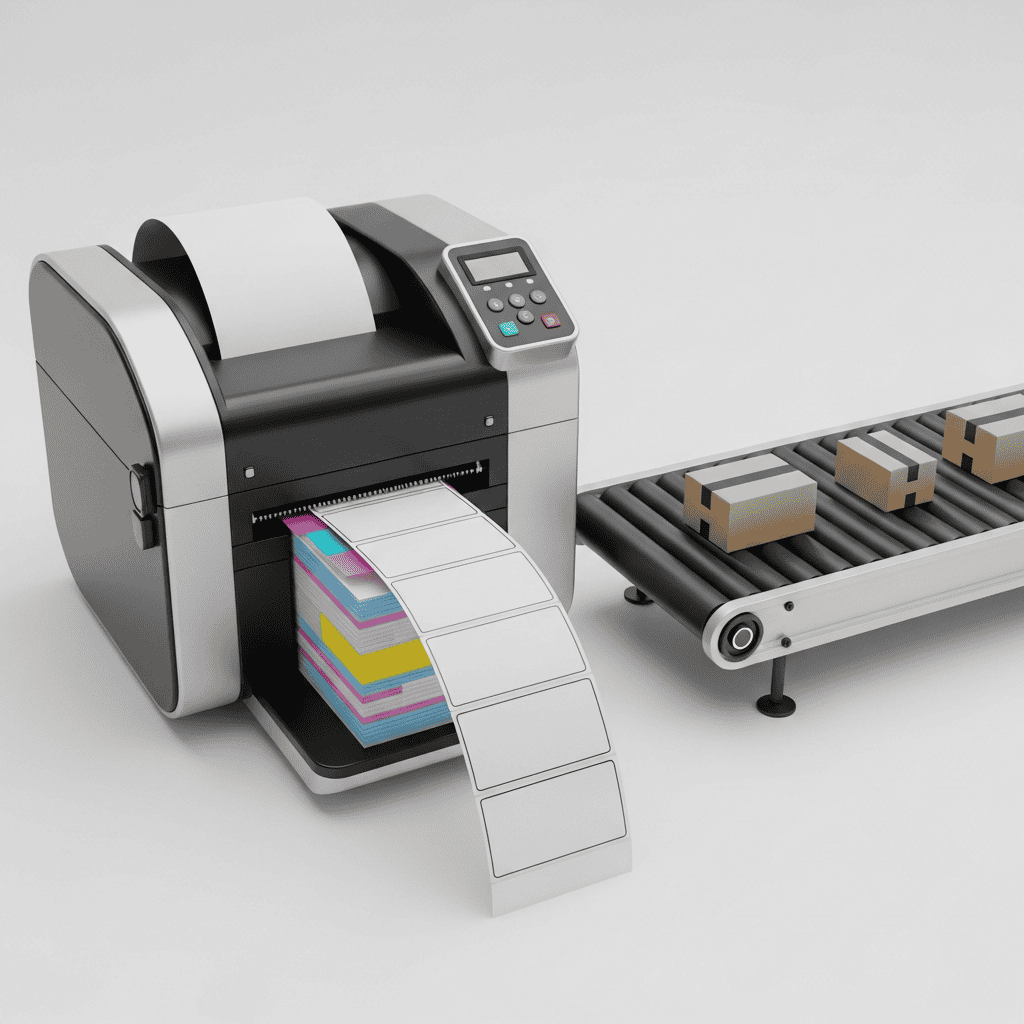
For dropshippers using Dropified, this step is even simpler. When you fulfill through AliExpress or CJ Dropshipping suppliers, Dropified pushes the order directly to the supplier. The supplier ships and provides a tracking number, which Dropified then auto-syncs back to TikTok Shop. You never touch a label.
Before selecting carriers, make sure you understand your true landed costs. Miscalculating shipping on bulky or heavy items is one of the fastest ways to erode margins on every order.
Step 3 — Set Up TikTok's Order Handling Capacity (OHC) Tool
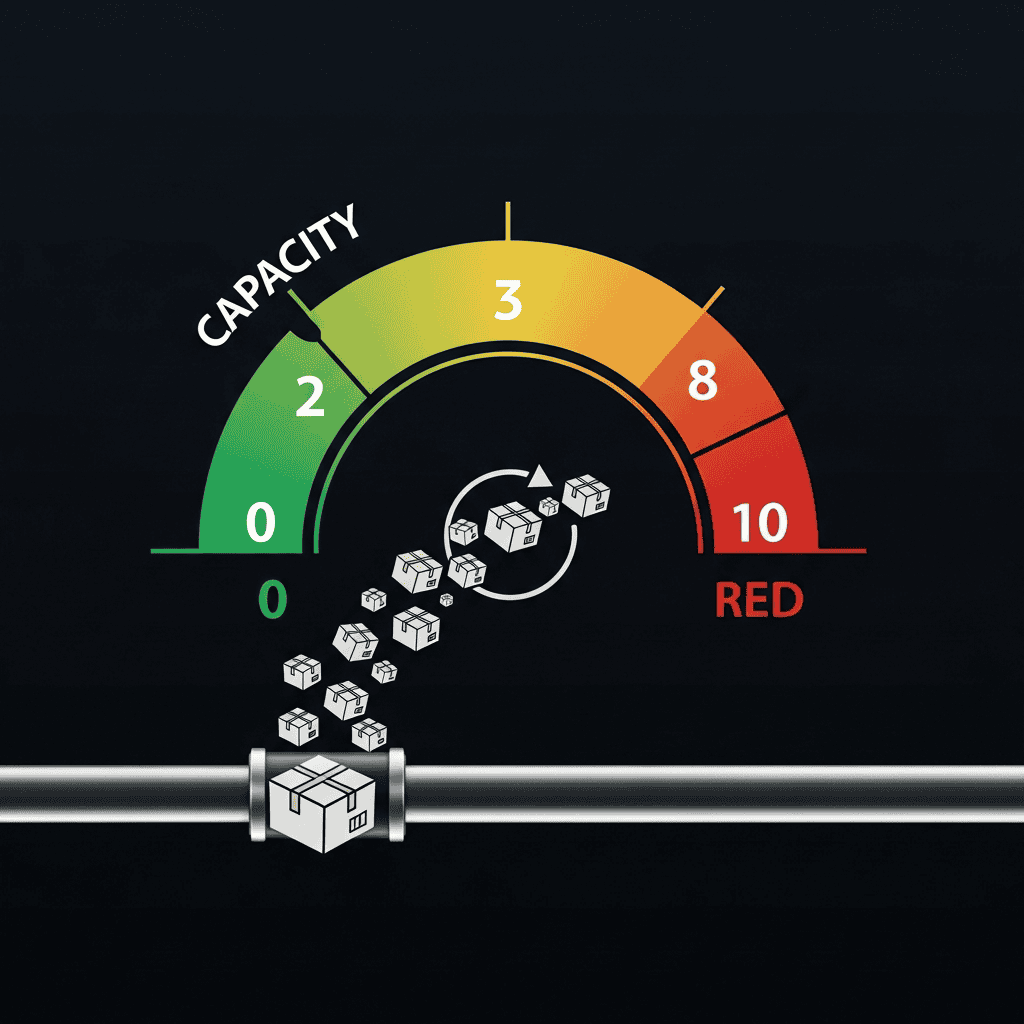
This is a 2026 feature most sellers overlook. TikTok's OHC tool lets you define a daily maximum order volume. When order volume exceeds your capacity — common after a viral video — the tool automatically extends your SLA deadlines and Estimated Delivery Times so you are not penalized.
If volume triples unexpectedly, OHC activates surge protection that paces incoming orders. This is critical for solo operators and small teams who cannot scale fulfillment labor overnight.
How to configure OHC:
- Open TikTok Seller Center → Fulfillment Settings
- Navigate to Order Handling Capacity
- Set your realistic daily max (start conservative)
- Enable automatic SLA extension triggers
- Monitor the dashboard weekly and adjust as your automation matures
Step 4 — Activate TikTok's AI Seller Assistant
TikTok now provides an AI-powered Seller Assistant that handles customer inquiries, automates sample approvals for affiliate programs, and streamlines repetitive seller tasks. Basic access is immediate upon onboarding. Advanced features unlock after you complete at least 30 orders within 90 days.
For dropshippers scaling through affiliates, the sample auto-approval feature is a game-changer. Instead of manually reviewing every affiliate sample request, the AI evaluates creator profiles and approves qualified requests automatically.
Step 5 — Sync Inventory Across Every Channel in Real Time
Nothing kills a TikTok Shop account faster than overselling. When a product goes viral and you sell 200 units that your supplier only has 50 of, you face mass cancellations, refund requests, and a destroyed seller score.
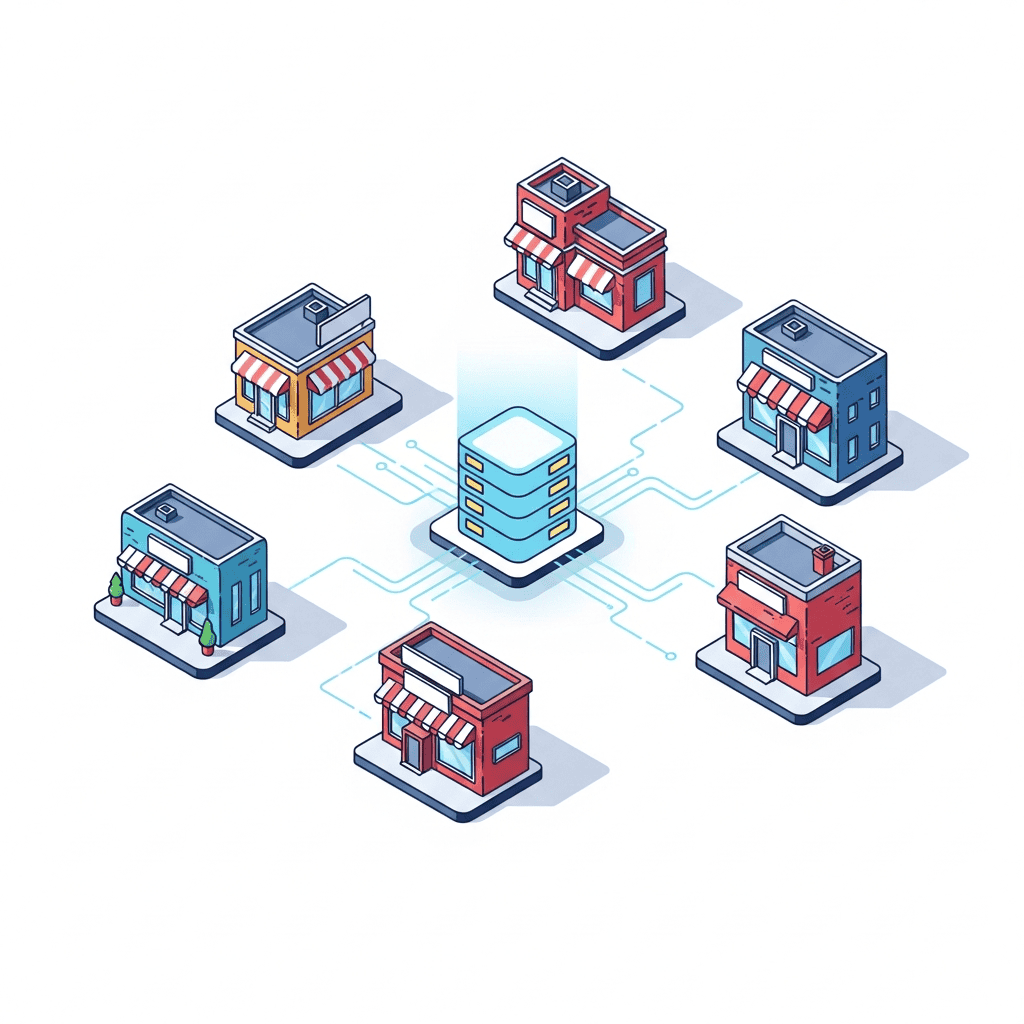
Dropified solves this by syncing inventory levels across TikTok Shop, Shopify, and your supplier catalog in near real-time. When stock changes at the supplier level, your listings update automatically. This is the same principle behind automating your Shopify store — extend it to every channel you sell on.
The Automation Stack That Top TikTok Shop Sellers Use in 2026
Here is the exact tech stack high-volume TikTok Shop sellers are running right now:
| Layer | Tool | Function |
|---|---|---|
| Order Management | Dropified | One-click fulfillment, supplier routing, tracking sync |
| Shipping | ShipStation / Shippo | Label generation, rate comparison, carrier selection |
| Inventory | Dropified + Shopify | Cross-channel stock sync, oversell prevention |
| Customer Service | TikTok AI Seller Assistant | Auto-replies, sample approvals |
| Surge Protection | TikTok OHC Tool | SLA extensions, order pacing |
| Product Research | Dropified | Trending product discovery, seasonal demand planning |
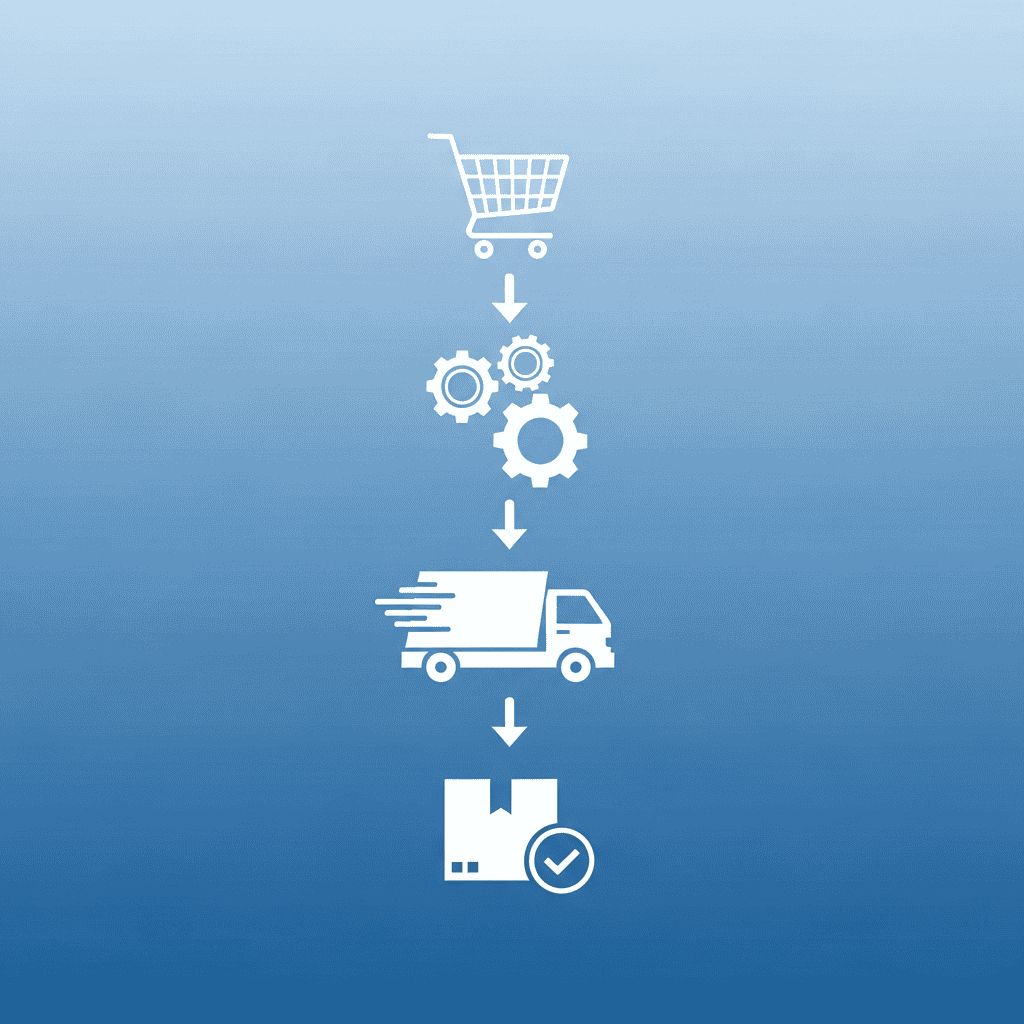
This stack eliminates every manual touchpoint between a customer clicking “Buy” and a package arriving at their door.
Common Automation Mistakes to Avoid
- Ignoring SLA deadlines. Even with automation, monitor your Ship-by and Deliver-by dates weekly. One misconfigured setting can cascade into hundreds of late shipments.
- Skipping test orders. Always run 3-5 test orders through your full automation pipeline before going live. Verify tracking numbers actually populate in TikTok Seller Center.
- Using too many disconnected tools. Every additional integration point is a potential failure point. Consolidate where possible — Dropified handles order management, fulfillment, and inventory in one platform.
- Not calculating true shipping costs. Automation speeds up fulfillment but does not fix bad unit economics. Use proper shipping cost calculators for bulky products before listing them.
- Forgetting multichannel inventory. If you also sell on Amazon, your TikTok Shop inventory must stay synced or you risk overselling on both platforms.
What This Means for Your TikTok Shop Business
Automating TikTok Shop order fulfillment is no longer optional in 2026 — it is the baseline expectation. TikTok's algorithm rewards sellers with fast ship times, low defect rates, and high capacity scores. Every metric that matters improves when you remove manual steps from your fulfillment pipeline.
The sellers winning on TikTok Shop right now are not packing boxes. They are creating content, recruiting affiliates, and researching the next trending product — while software handles everything between the sale and the doorstep.

Start your free Dropified trial today and connect your TikTok Shop in under 10 minutes. Automate order fulfillment, sync inventory across every channel, and free up your time for the work that actually grows revenue.
✨ Want an AI Summary of this article?