- Shopify deepseek grok integration lets merchants automate product descriptions, customer support, data analysis, and ad copy using AI-powered workflows without writing code.
- No-code platforms like Albato and Konnectify now offer direct connectors between Shopify and DeepSeek, while Grok can be accessed via multi-model Shopify apps or API middleware.
- The highest-value workflows include AI-generated product listings, intelligent chatbot customer service, dynamic pricing analysis, and automated marketing content.
- Combining DeepSeek's deep reasoning with Grok's real-time data capabilities gives Shopify sellers a competitive edge in speed, accuracy, and personalization.
- Dropified users can layer these AI integrations on top of existing automation to eliminate manual tasks across sourcing, listing, and fulfillment.
The race to integrate next-generation AI into e-commerce operations is accelerating fast in 2026. For Shopify store owners, shopify deepseek grok integration workflows represent the most practical way to leverage large language models for real business outcomes — from writing product descriptions at scale to building intelligent customer-facing chatbots. Yet most sellers remain stuck at the “I know AI exists” stage, unsure how to actually connect these tools to their stores.
This guide breaks down exactly how to connect Shopify to both DeepSeek and Grok, the specific workflows that drive ROI, and how to avoid common pitfalls that waste time and money.
💡 Dropified Insight: Dropified's automated store management already handles product importing, order fulfillment, and inventory sync. By layering DeepSeek or Grok integrations on top of Dropified's existing automation, you can auto-generate optimized product descriptions the moment you import a new item — turning a 15-minute manual task into a 15-second automated one. Connect your Shopify store to Dropified first, then bolt on AI workflows for maximum efficiency.
Why DeepSeek and Grok Matter for Shopify Sellers in 2026
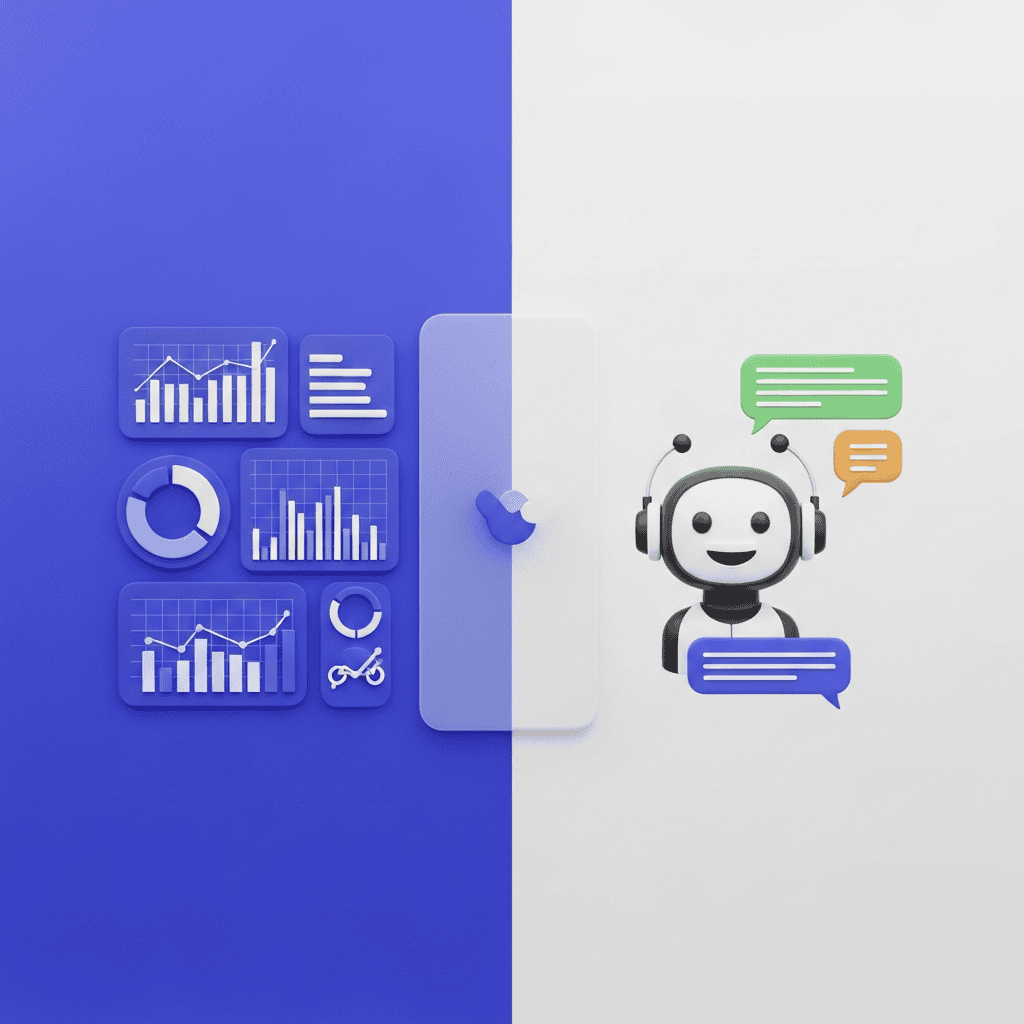
DeepSeek and Grok serve fundamentally different purposes, and understanding the distinction is critical before you build any workflow.
DeepSeek excels at specialized reasoning — complex product categorization, competitor price analysis, and generating detailed, structured content. According to edi2xml's AI platform overview, DeepSeek provides “rapid and deep reasoning capabilities for business-critical tasks,” making it ideal for back-end operations that require analytical precision.
Grok, built by xAI, brings real-time data access and conversational flexibility. It's strongest for customer-facing applications, trend monitoring, and generating timely marketing copy that references current events or product trends.
Together, they cover the full spectrum of e-commerce AI needs: deep analysis on one side, real-time responsiveness on the other.
How to Connect Shopify to DeepSeek: Step-by-Step
Option 1: No-Code Platforms (Fastest Setup)
The simplest path is through no-code integration platforms that already have pre-built Shopify and DeepSeek connectors.
- Albato — Offers a direct Shopify-to-DeepSeek integration supporting over 1,000 app combinations. You can trigger DeepSeek actions whenever a Shopify event occurs (new order, new product, inventory change).
- Konnectify — Provides a no-code Shopify + DeepSeek AI connector focused on automating product listings, online store management, and data sync with zero coding.
- Zapier / Make — Both support Shopify triggers and can route data to DeepSeek's API through HTTP request modules.
Setup time: 15-30 minutes for basic workflows. No developer required.
Option 2: Direct API Integration (Maximum Control)
For sellers who want granular control, Shopify's Admin API can communicate directly with DeepSeek's API endpoints. This requires basic development knowledge but unlocks custom workflows that no-code platforms can't replicate.
- Use Shopify webhooks to trigger DeepSeek calls on specific events
- Store API keys securely using Shopify's app proxy or a middleware server
- Parse DeepSeek responses and write them back to Shopify product fields automatically
How to Connect Shopify to Grok: Step-by-Step
Grok integration follows a similar pattern but with an important distinction: as of early 2026, Grok is accessible through xAI's API and through multi-model Shopify apps that bundle Grok alongside ChatGPT, Claude, and DeepSeek.
The Multi-Model App Approach
Several Shopify apps now offer model-switching capabilities. You install one app and toggle between Grok, DeepSeek, Claude, and GPT depending on the task. This is the lowest-friction method for sellers who want to experiment with Grok without committing to a custom build.
The API Middleware Approach
For dedicated Grok integration:
- Register for xAI's API access
- Build a lightweight middleware (Node.js or Python) that bridges Shopify webhooks to Grok endpoints
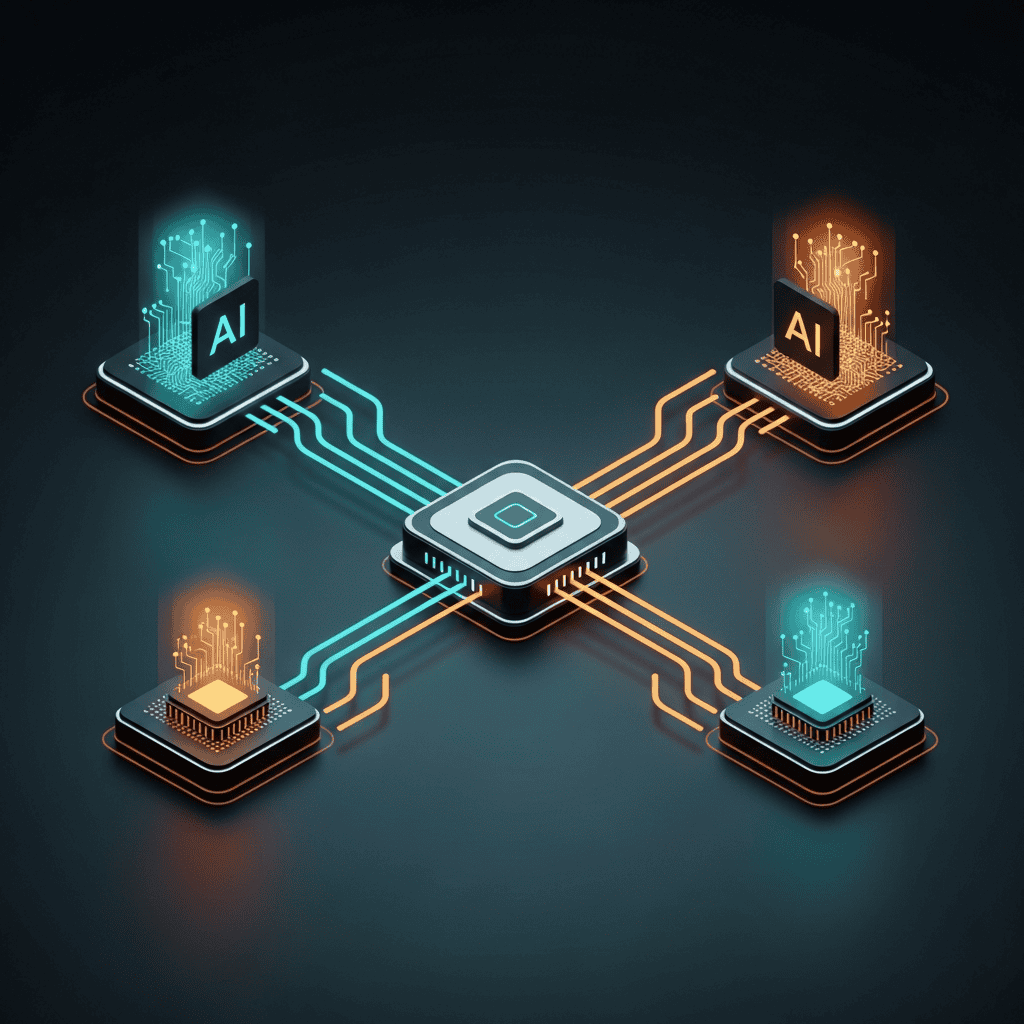
- Define routing rules — e.g., customer questions go to Grok, product analysis goes to DeepSeek
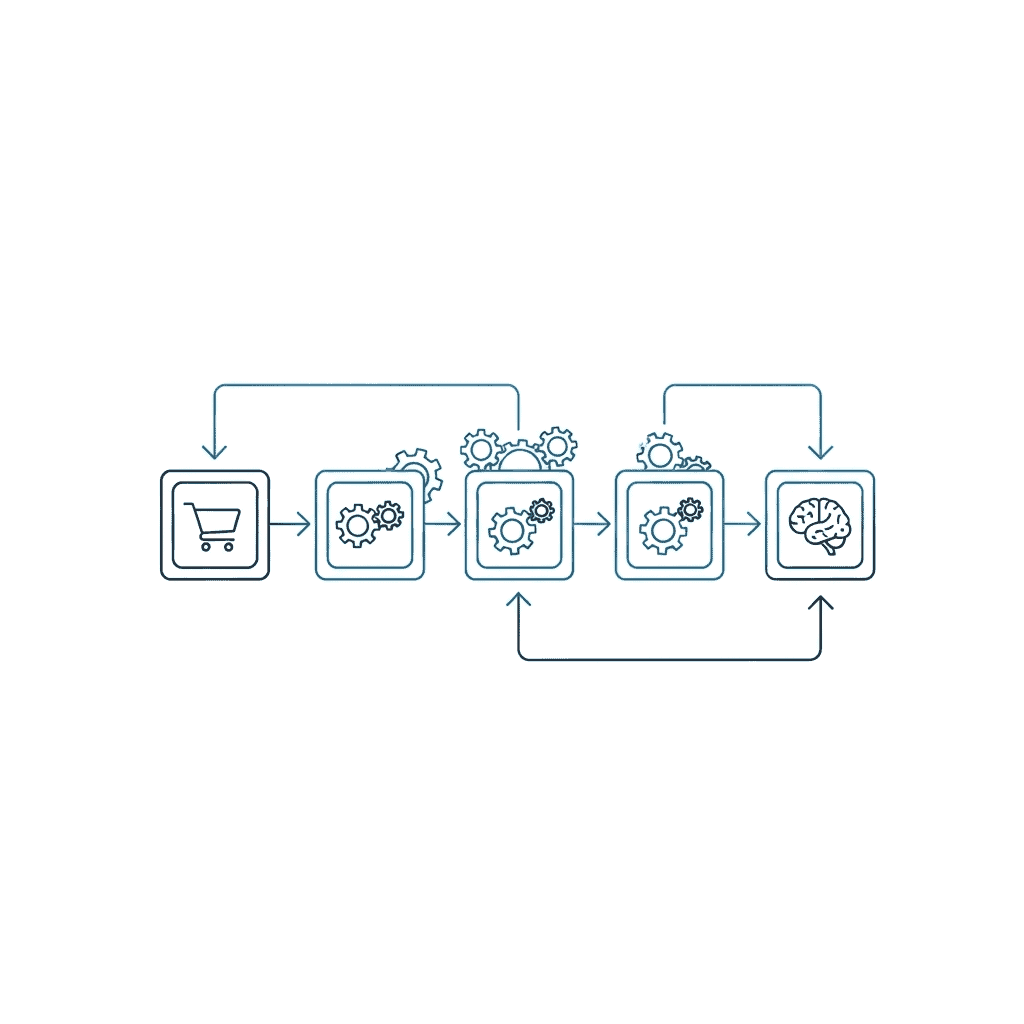
This dual-routing architecture is the Information Gain framework most competitors miss entirely: instead of treating AI models as interchangeable, assign each model to the task it handles best.
Top 5 Integration Workflows That Drive Real Revenue
Here are the specific workflows generating measurable results for Shopify dropshipping stores right now:
1. AI-Powered Product Description Generation
Model: DeepSeek Trigger: New product imported via Dropified's one-click import Action: DeepSeek generates SEO-optimized title, description, and bullet points based on supplier data
This single workflow saves 10-20 hours per week for stores adding 50+ products monthly. The key is feeding DeepSeek structured input — product category, target audience, price range — rather than raw supplier text.
2. Intelligent Customer Support Chatbot
Model: Grok Trigger: Customer initiates live chat Action: Grok handles Tier 1 inquiries (shipping times, return policy, product specs) with real-time accuracy
Grok's access to current data makes it superior to static FAQ bots. It can reference actual shipping carrier statuses and current promotions without manual updates.

3. Dynamic Competitor Price Monitoring
Model: DeepSeek Trigger: Scheduled daily cron job Action: DeepSeek analyzes competitor pricing data and recommends adjustments
Feed DeepSeek scraped competitor prices (via a data provider) and your current margins. It returns recommended price changes with reasoning — not just numbers, but explanations of market positioning.
4. Automated Marketing Copy and Ad Creatives
Model: Grok + DeepSeek (combined) Trigger: Product marked as “featured” in Shopify Action: Grok generates timely social media copy; DeepSeek creates structured email sequences
Sellers using Shopify apps that boost revenue can amplify results by feeding AI-generated copy into their existing marketing stack.
5. Order Pattern Analysis and Demand Forecasting
Model: DeepSeek Trigger: Weekly order data export Action: DeepSeek identifies trending products, seasonal patterns, and inventory risks
This is especially valuable for dropshippers who need to anticipate supplier stock issues. Knowing everything about Shopify dropshipping means understanding that demand forecasting separates profitable stores from those constantly out of stock.

Common Integration Mistakes to Avoid
- Using one model for everything. DeepSeek and Grok have different strengths. Route tasks to the right model.
- Skipping prompt engineering. Generic prompts produce generic output. Invest time in crafting specific, structured prompts for each workflow.
- Ignoring data privacy. Never send raw customer PII to external AI APIs without anonymization. Use Shopify's app proxy to sanitize data first.
- Over-automating too fast. Start with one workflow, validate results, then scale. Sellers who connect their store to Dropified and automate incrementally see significantly better outcomes.
How Dropified Fits Into Your AI-Enhanced Stack
Dropified serves as the operational foundation that makes AI integrations practical. Without reliable product importing, order fulfillment, and inventory management already automated, adding AI layers creates more chaos, not less.
The ideal stack in 2026 looks like this:
- Dropified handles sourcing, importing, and fulfillment automation
- DeepSeek handles product content, pricing analysis, and forecasting
- Grok handles customer interactions and real-time marketing content
Whether you're running a Shopify or WooCommerce store, or even exploring dropshipping beyond Shopify, this three-layer architecture scales across platforms.

Conclusion: Build Your AI-Integrated Shopify Store Today
Connecting Shopify to DeepSeek and Grok is no longer experimental — it's a competitive requirement. The sellers winning in 2026 are the ones who assign the right AI model to the right task, build reliable automation pipelines, and maintain a strong operational foundation with tools like Dropified.
Your next steps:
- Connect your Shopify store to Dropified to automate your operational baseline
- Choose one high-impact workflow from the list above (product descriptions are the easiest starting point)
- Set up a no-code connector via Albato or Konnectify for your first DeepSeek integration
- Test Grok through a multi-model Shopify app for customer support
Start your free Dropified trial today and build the AI-enhanced dropshipping store your competitors haven't figured out yet.
✨ Want an AI Summary of this article?