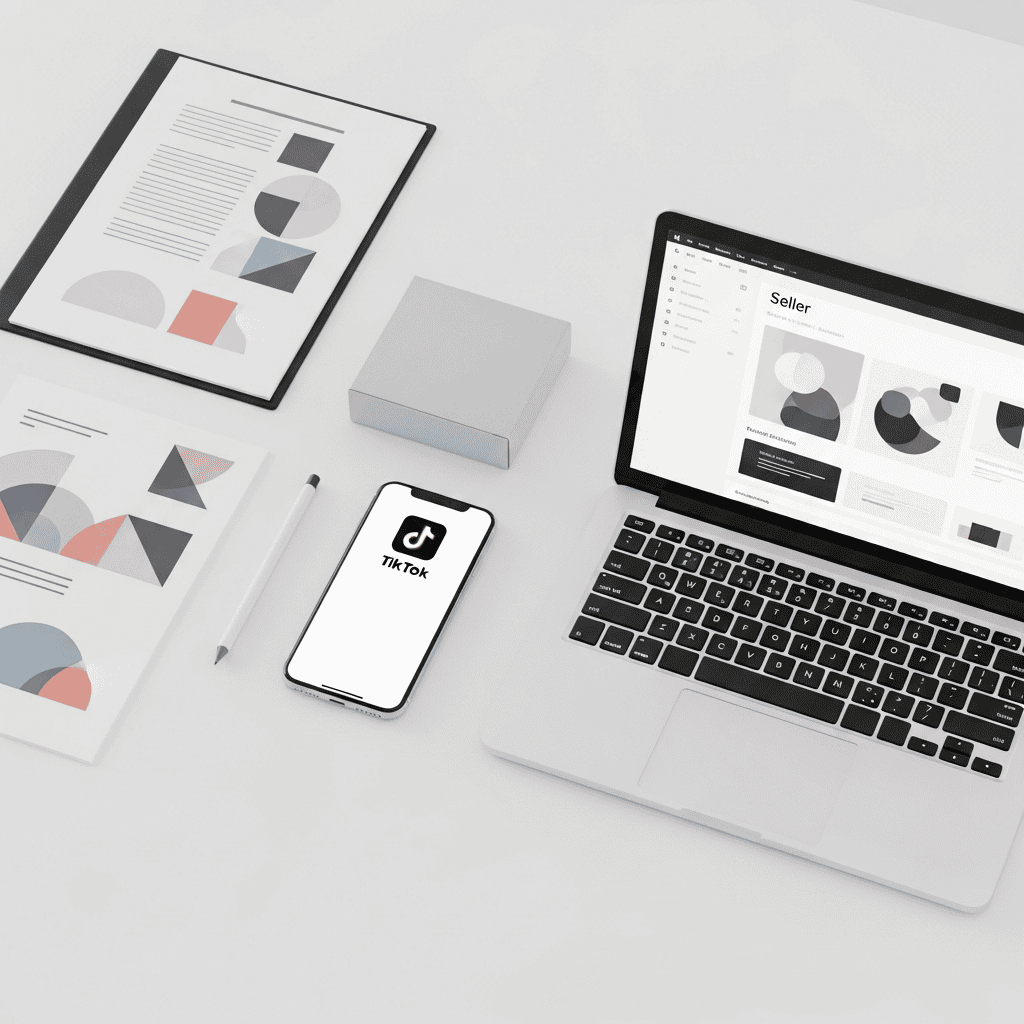
- Set up a TikTok Shop and connect it to your business account before going live — this is the non-negotiable foundation for any TikTok live shopping event.
- Prepare LIVE product sets inside TikTok Shop Creator Center so you can add featured products to your stream with one click during the broadcast.
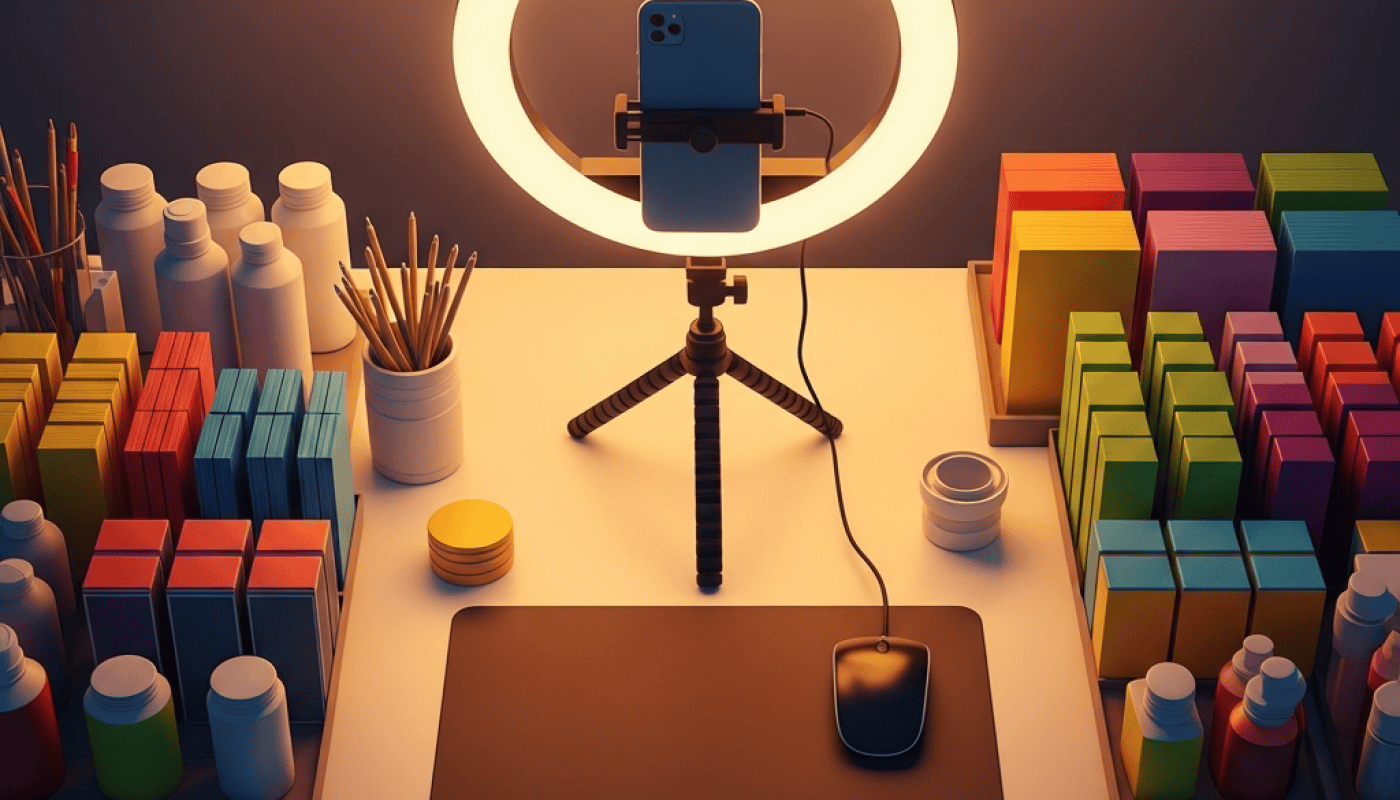
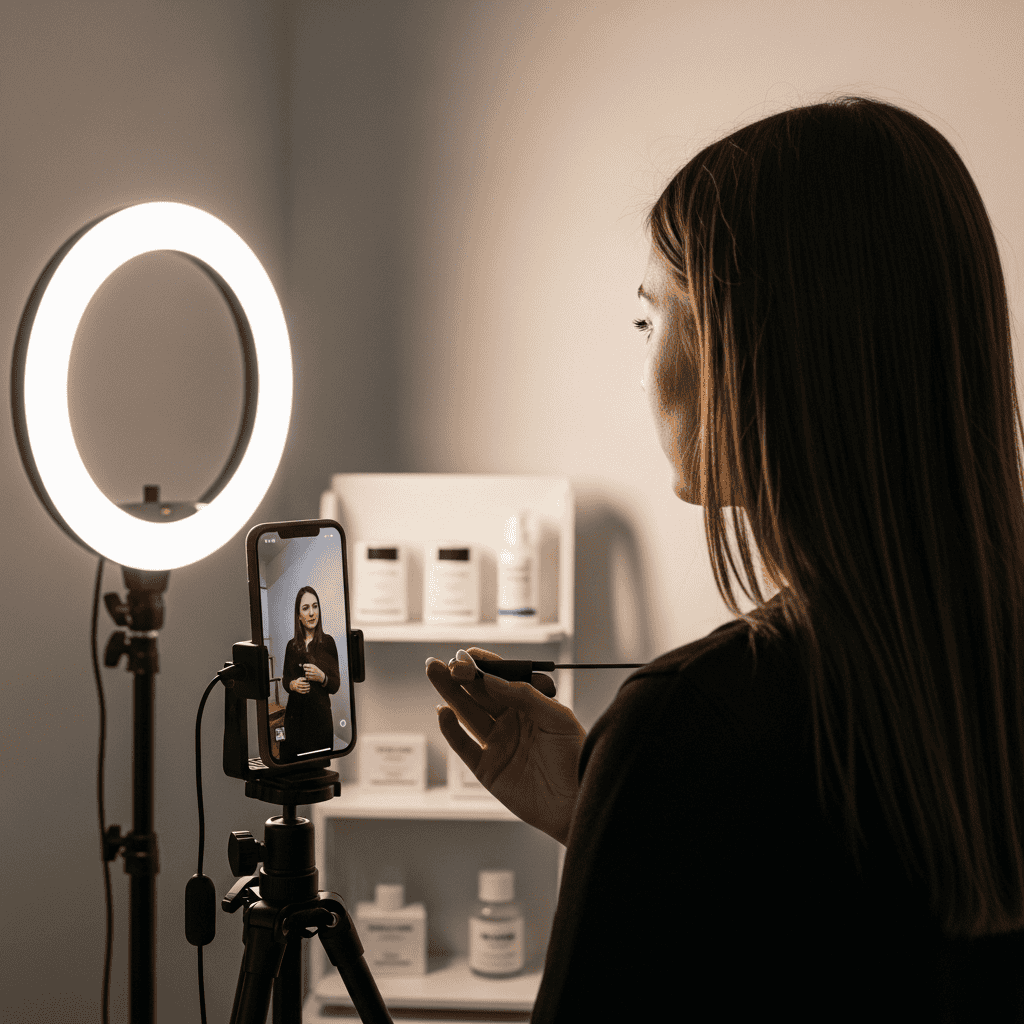
- Optimize your physical setup with a tripod, ring light, clutter-free background, and a smartphone capable of 1080p streaming to build instant viewer trust.
- Structure your show with a hook in the first 60 seconds, rotating product showcases every 3-5 minutes, and exclusive live-only discounts to sustain engagement.
- Amplify reach with LIVE Shopping Ads through TikTok Ads Manager, targeting warm audiences to drive real-time purchases during your event.
TikTok live shopping events generated over $33 billion in global GMV in 2024, and that number is accelerating into 2026 as more sellers discover the format's conversion power. If you've been wondering how to set up a TikTok live shopping event that actually drives sales — not just views — this walkthrough covers every step from account prerequisites to post-stream optimization.
Unlike static product listings, live shopping lets you demonstrate products in real time, answer objections on the spot, and create urgency that standard e-commerce pages simply cannot replicate. Sellers who go live consistently report 2-10x higher conversion rates compared to standard TikTok Shop listings.
💡 Dropified Insight: Before you go live on TikTok, you need winning products worth showcasing. Dropified's product research and one-click import tools let you test trending items fast — import directly from AliExpress, organize variants, and push products to your store so your TikTok Shop catalog is stocked and ready before your first broadcast.
Prerequisites: What You Need Before Going Live
You cannot simply open TikTok and start selling. Several requirements must be met first:
- TikTok Business Account — Switch your personal account to a Business account in Settings → Manage Account.
- TikTok Shop approved — Apply through the TikTok Shop Seller Center with your business documentation, tax ID, and bank details.
- Minimum 1,000 followers — This is TikTok's threshold for unlocking the LIVE feature. If you're not there yet, focus on short-form content first.
- Connected ad account (optional but recommended) — Link your TikTok Ads Manager to your Shop for LIVE Shopping Ads amplification.
- Product listings uploaded — Every item you plan to showcase must be live in your TikTok Shop catalog with compliant images, descriptions, and pricing.
Most sellers underestimate how long Shop approval takes. Apply at least 7-10 business days before your planned first live event.
Step 1: Build Your LIVE Product Sets
This is the step most guides skip — and it's the one that separates chaotic streams from professional selling shows.
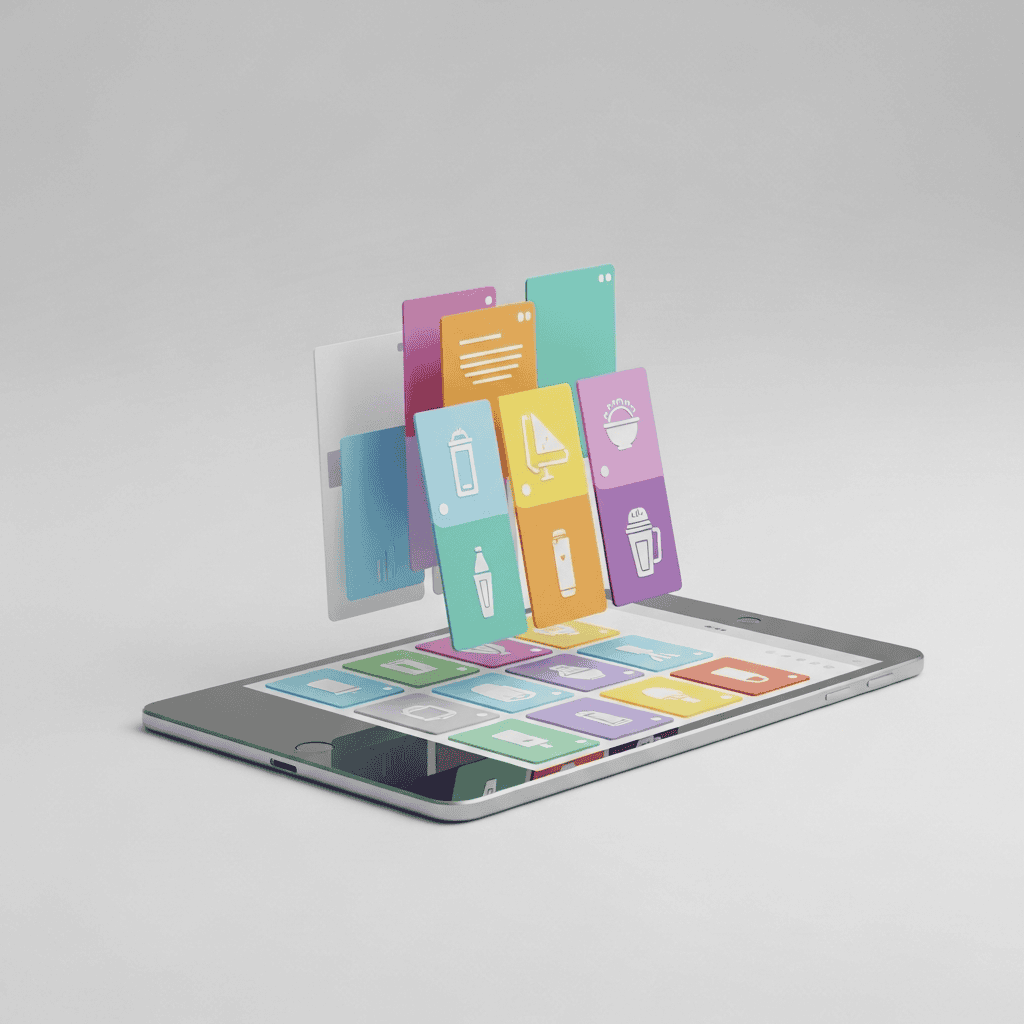
Inside TikTok Shop Creator Center, navigate to TikTok Shop Toolkit → LIVE Product Set. Here's what to do:
- Name your product set based on the live event theme (e.g., “Summer Kitchen Essentials” or “Under $20 Gift Guide”).
- Select 5-12 products you'll feature. Fewer than five leaves dead air; more than twelve overwhelms viewers.
- Order products strategically — place your highest-margin or most visually appealing item in positions 1 and 2, since these appear first when viewers tap the shopping bag icon.
- Add optional descriptions to each set so you can reuse them for recurring live events.
Once your set is saved, you can attach it to any live session with a single click — no scrambling to add products mid-stream.
Pro Tip: The “Anchor Product” Strategy
Place one deeply discounted item (your anchor) at the top of your product set. Announce it in the first 60 seconds of your stream. This hooks viewers immediately and signals that staying on the stream will be worth their time. Rotate back to it every 10-15 minutes to re-engage new joiners.
This approach is standard practice among top-performing TikTok Shop sellers in the U.S. market, and it's a tactic you won't find in most beginner guides.
Step 2: Optimize Your Physical Setup
Your production quality directly impacts trust — and trust directly impacts purchases. According to Shoppingfeed's e-commerce guide, presentation is the single biggest differentiator between live streams that convert and those that don't.
Essential equipment:
- Smartphone recording at 1080p minimum (iPhone 13+ or Samsung Galaxy S21+ recommended)
- Tripod or phone mount — handheld footage kills credibility instantly
- Ring light or two-point softbox lighting — eliminate harsh shadows on products
- Clean, branded backdrop — a solid-color wall or simple shelf display works perfectly
- External microphone (optional) — dramatically improves audio clarity in noisy environments
Setup checklist before every stream:
- Phone charged above 80%
- Wi-Fi connection stable (run a speed test — you need minimum 5 Mbps upload)
- Notifications silenced
- Products within arm's reach, organized in showcase order
- Water bottle nearby (you'll be talking nonstop)
Step 3: Structure Your Live Show for Maximum Sales
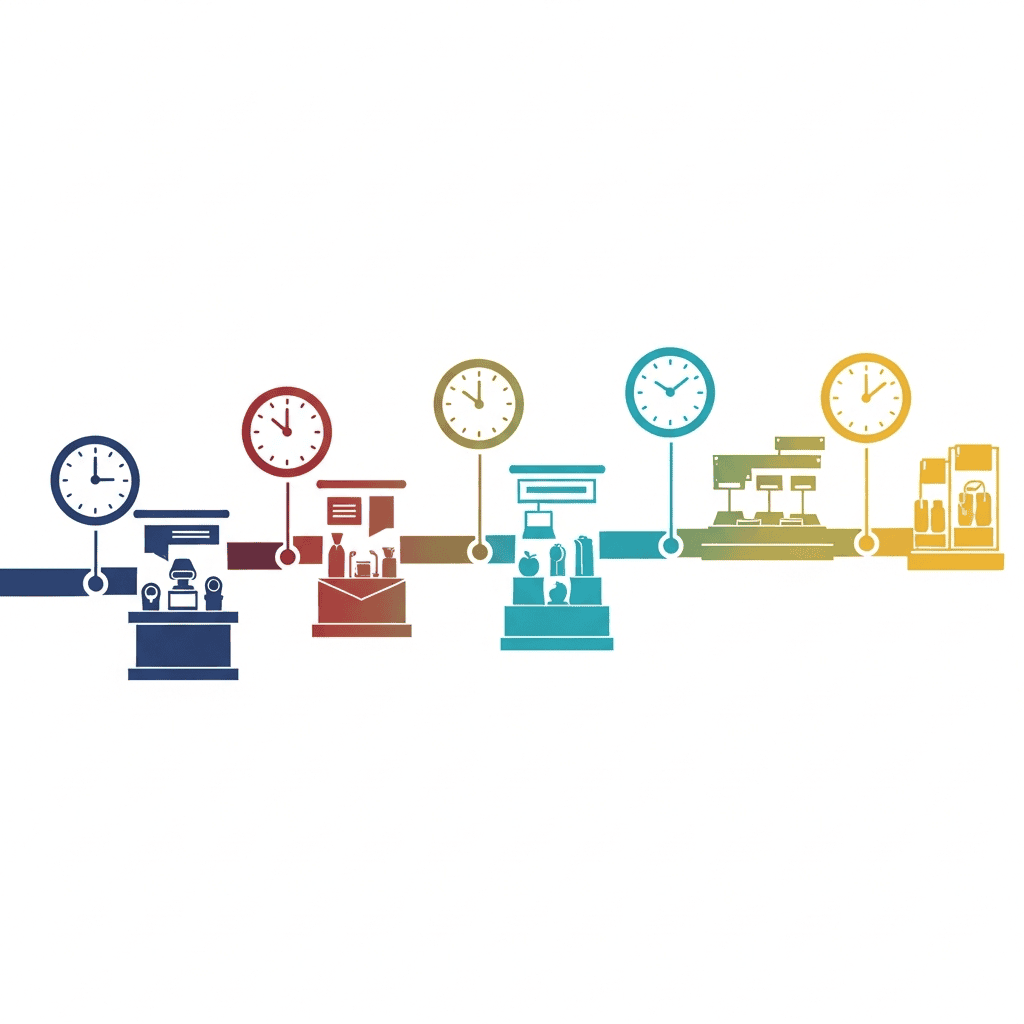
Going live without a plan is the fastest way to lose viewers. Structure your event into clear segments:
Minutes 0-2: The Hook – Greet viewers by name as they join – Announce what's coming (“We have 8 products today, and one is 60% off — stick around”) – Pin a welcome comment with your best deal
Minutes 3-6: First Product Deep Dive – Demonstrate your anchor product physically – Address the top 2-3 objections buyers typically have – Show scale, texture, and real-world use
Minutes 7-20+: Rotating Showcase – Spend 3-5 minutes per product – Suggest styling ideas, gifting occasions, or use cases — as recommended by CommentSold's live selling guide – Offer a first-time buyer discount to push hesitant viewers over the edge
Final 5 Minutes: Urgency Close – Recap best deals – Announce a “last chance” flash discount on remaining inventory – Thank viewers and tease your next live event date
Automating your backend operations is critical when live sales spike. Tools like Dropified handle automated order fulfillment so you can focus entirely on selling during the stream instead of worrying about processing orders manually afterward.
Step 4: Amplify With LIVE Shopping Ads
Organic reach alone won't fill your live room — especially for your first few events. TikTok's LIVE Shopping Ads put your stream directly into targeted users' feeds while you're broadcasting.
How to set them up:
- Log in to TikTok Ads Manager
- Click Create Ad → select Sales as your objective
- Choose LIVE Shopping as your promotion type
- Set your budget (start with $20-50 for your first stream)
- Target warm audiences: website visitors, video viewers, or engaged followers
- Launch the ad 30 minutes before your stream starts for maximum initial traffic
The key insight most sellers miss: run the ad before you go live, not after. You want viewers waiting in the room when you start, creating social proof that attracts even more organic viewers through TikTok's algorithm.
Common Mistakes That Kill First-Time Live Events
Avoid these pitfalls that trip up new sellers:
- Going live with zero audience buildup — Post 3-5 teaser videos in the days before your event
- Talking at viewers instead of with them — Read comments, answer questions, use names
- Poor lighting or shaky camera — Viewers leave within seconds if production feels amateur
- No product links pinned — Always pin the current product to the top of chat
- Ignoring analytics afterward — Review your LIVE dashboard for peak viewer times, drop-off points, and top-selling products
If your dropshipping supplier network isn't reliable, live selling will expose that weakness fast. Customers expect quick shipping when they buy in the excitement of a live event. Platforms like Dropified help you connect with vetted suppliers and automate fulfillment across multiple channels — including TikTok Shop.

Measuring Success: Key Metrics After Your First Event
Track these numbers to improve with every stream:
| Metric | Good Benchmark (First Event) |
|---|---|
| Average watch time | 3+ minutes |
| Peak concurrent viewers | 20+ |
| Engagement rate (comments/likes) | 5%+ of viewers |
| Conversion rate | 2-5% |
| Revenue per viewer | $0.50+ |
Your first live event probably won't break records — and that's fine. The sellers who win on TikTok Shop are the ones who go live consistently (3-5 times per week) and optimize based on data, not gut feelings.
Compare your dropshipping automation stack regularly to make sure your backend can handle the order volume as your live events scale.
Your Next Steps
TikTok live shopping isn't a passing trend — it's becoming the default way Gen Z and Millennials discover and buy products online. Setting up your first event takes preparation, but the framework above gives you everything you need to launch with confidence.
Here's your action plan:
- Apply for TikTok Shop today if you haven't already
- Build your first LIVE product set with 5-8 tested products
- Set up your streaming equipment this week
- Schedule your first live event and post 3 teaser videos
- Go live, learn from the data, and iterate
Ready to stock your TikTok Shop with winning products fast? Start your free Dropified trial to import trending products, automate fulfillment, and focus on what actually drives revenue — selling live.
✨ Want an AI Summary of this article?